
Realtime Landscaping Pro
Rated #1 landscape design software by TechRadar and TopTEN reviews.
Using the latest advances in 3D technology, even beginning
designers can plan and visualize their design ideas. Only $279
2026 Now Available. See What's New
Already own Pro? Upgrade Now
Realtime Landscaping Pro
Rated #1 landscape design software by TechRadar and TopTEN reviews.
Using the latest advances in 3D technology, even beginning
designers can plan and visualize their design ideas. Only $279
2026 Now Available. See What's New
Features
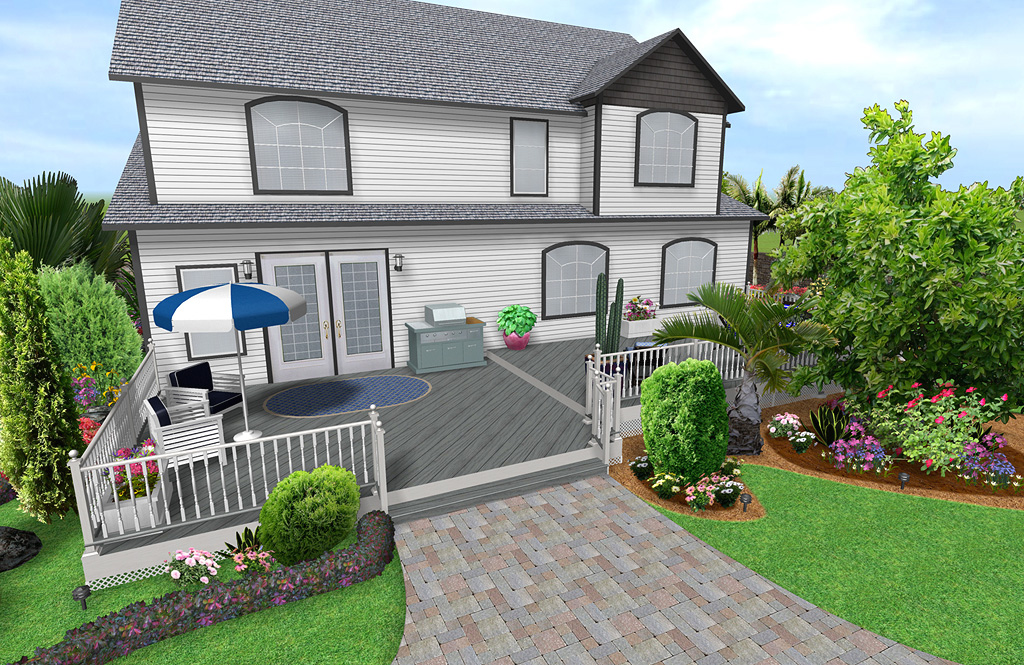
Landscape Design Software for Homeowners and Professionals
Our professional landscape design software helps you design and visualize your landscaping ideas. Easily add your house, deck, fence, paths, grass, cement, edging, beauty bark, patios, retaining walls, and more using Realtime Landscaping Pro.
“I absolutely love this product. It has in every way exceeded all my expectations.” – John Mennen
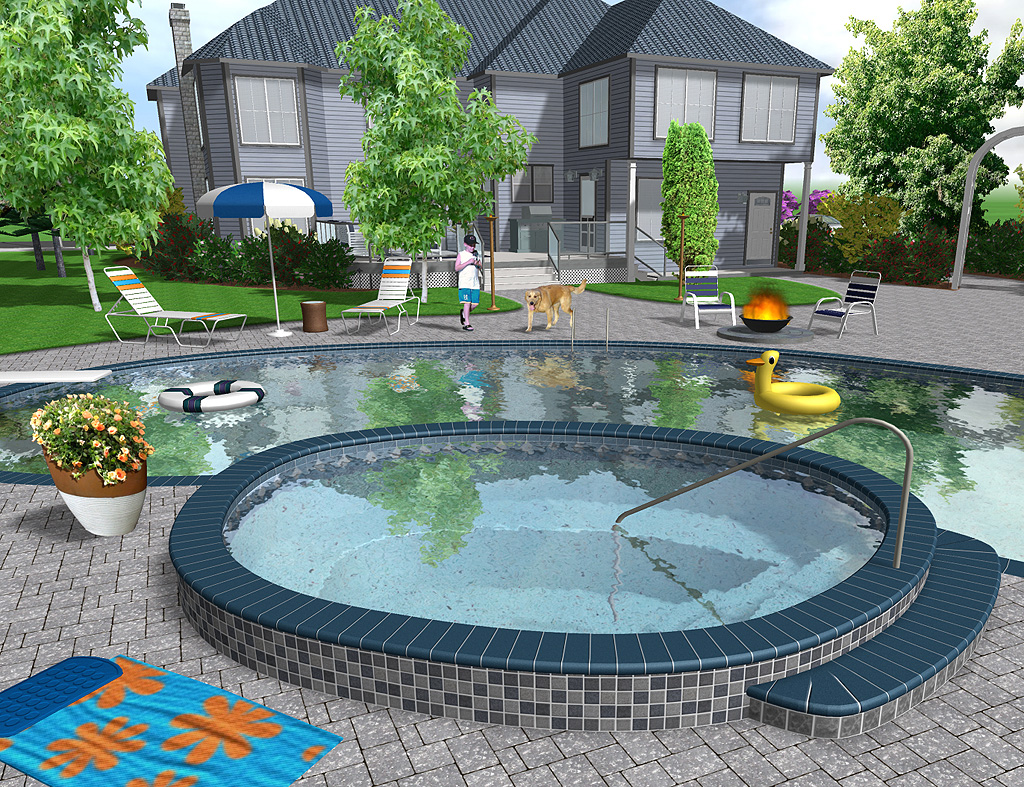
Advanced 3D Graphics Technology
Utilizing the latest advances in 3D graphics technology, our landscaping software helps you experience your landscape design ideas with surprisingly realistic lighting, shadows, flowing water, and other effects. You can walk through your landscape designs, just like in real life.
Highly detailed 3D visuals make the design process clearer and cause the resulting landscape design to be extremely realistic.

Use A Pre-Built House Or Design Your Own
Use the House Wizard to drop in a pre-built house, or create your own. Add houses simply by drawing their outline: the walls, trim, and even the roof are all created automatically.
Easily add single and multi-story houses to your landscape design. Add doors, windows, porch lights, change the siding and roofing materials, select between gable and hip roof styles – all with just a few mouse clicks.
Only the exterior of houses are modeled — not the interior. This makes houses much easier to build and edit than traditional home design programs, and helps you focus on designing the landscape.

UltraRes Plants®
In the extensive library of plants, 660 of them are exceptionally high quality using Idea Spectrum’s unique UltraRes Plant® technology.
UltraRes Plants® feature realistic growth, accurate seasonal appearance, animated wind movement during walkthroughs and videos, and incredible visual detail. UltraRes Plants® can bring your landscape design ideas to life in ways you never thought possible.
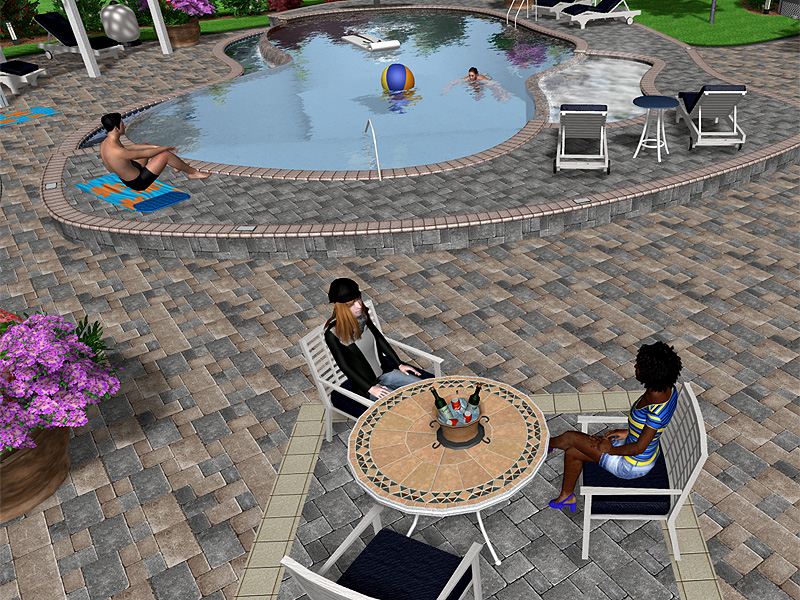
Realistic Animated Characters
Bring your landscape designs to life by adding 3D people that will animate during Realtime Walkthroughs and when creating videos.
Many different characters are available to choose from, in a variety of ages, gender, and race. For each character, several animations are provided. For animations that require movement, it is simple and fast to designate a walking or jogging path.
Extensive Object Library
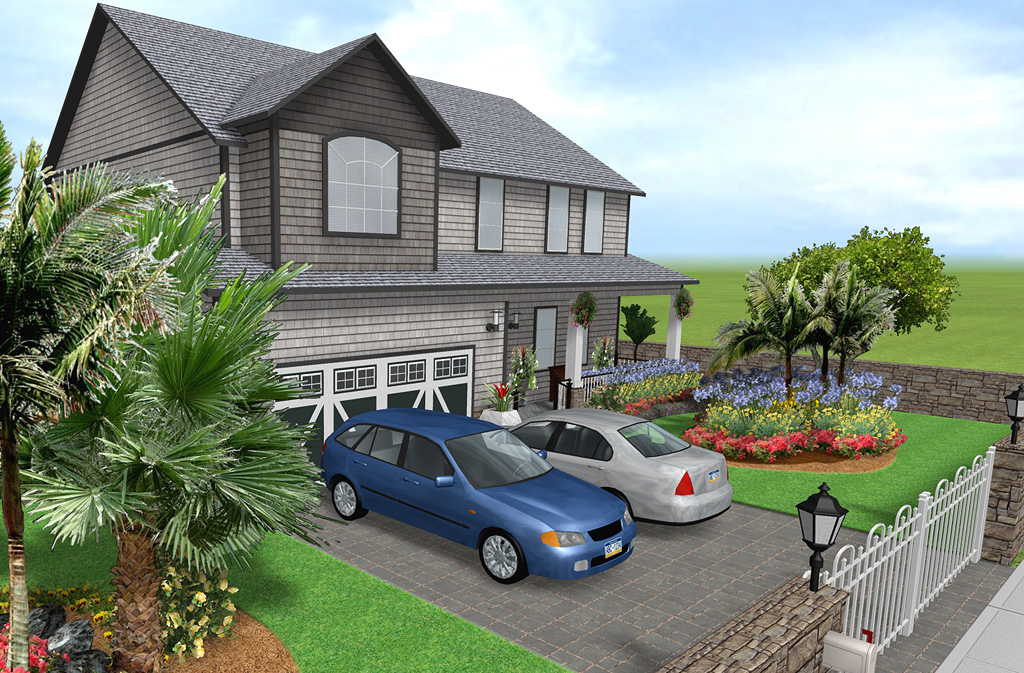
The software comes with over 12,000 objects, including 5,700 plants, 4,200 accessories, and more.
Make your landscape design even more realistic with planters, pond bridges, gazebos, tables and chairs, ornaments, and more. Hundreds of different rock materials are provided, including granite, marble, and limestone.
Import Digital Photographs
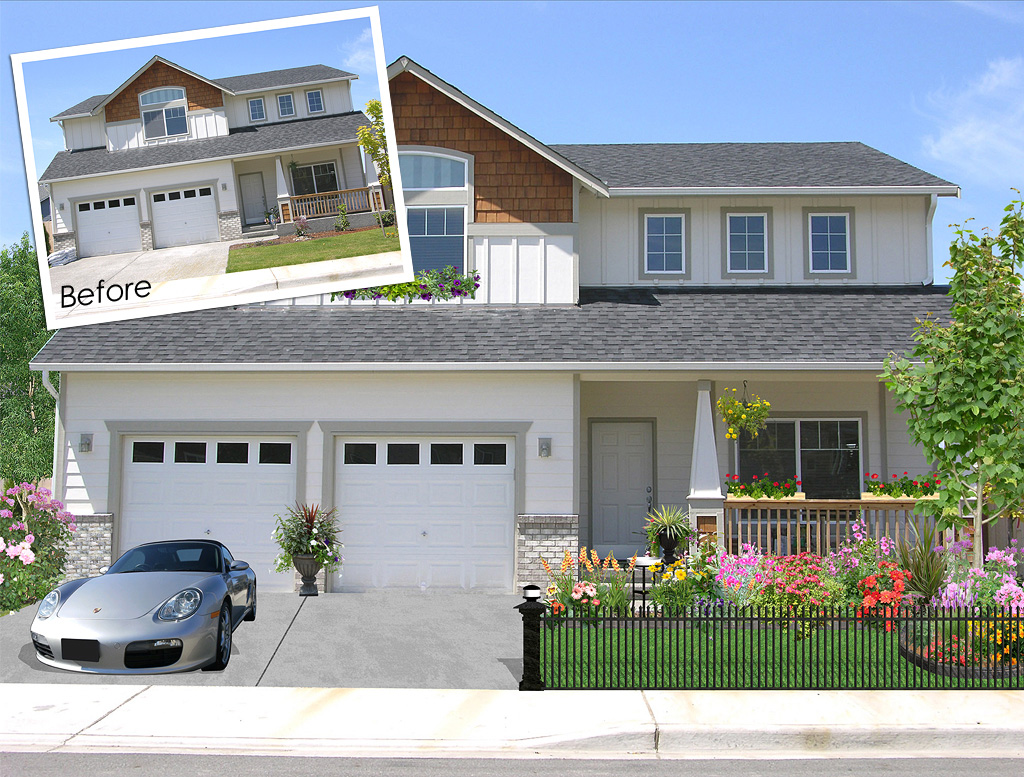
All of the features of Realtime Landscaping Photo are included, so you can import a digital photograph of your house and design the surrounding landscape. All common image formats are supported, including JPG, BMP, PNG, and TGA. This is a fast and easy alternative to a full 3D design.
Once your landscape is completed, print it or save it as a common image format that can be e-mailed, sent to the print shop, or placed on your website.
Swimming Pools and Spas
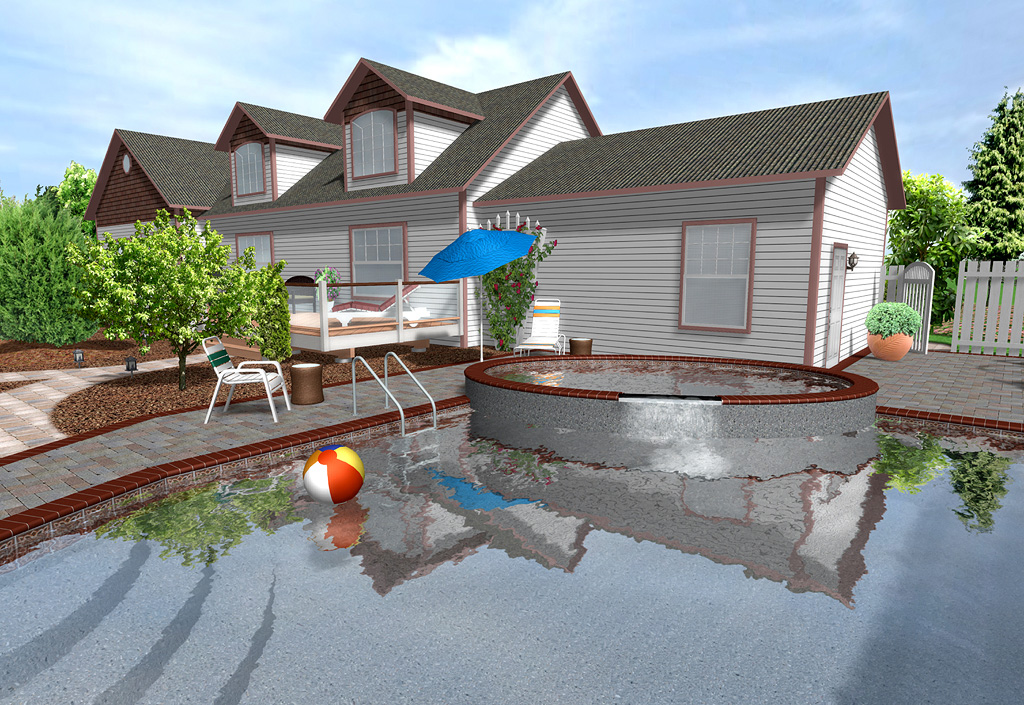
Drop in complete swimming pool designs using the wizard, or design your own from scratch. Add pool decking, change the coping and tile, set variable pool depths, create multilevel pools and decking, and much more. Pools and spas can be any shape and size. Above and below ground pools are supported. A complete set of pool accessories with diving boards, ladders, and lighting is also included.
Deck Design Tools
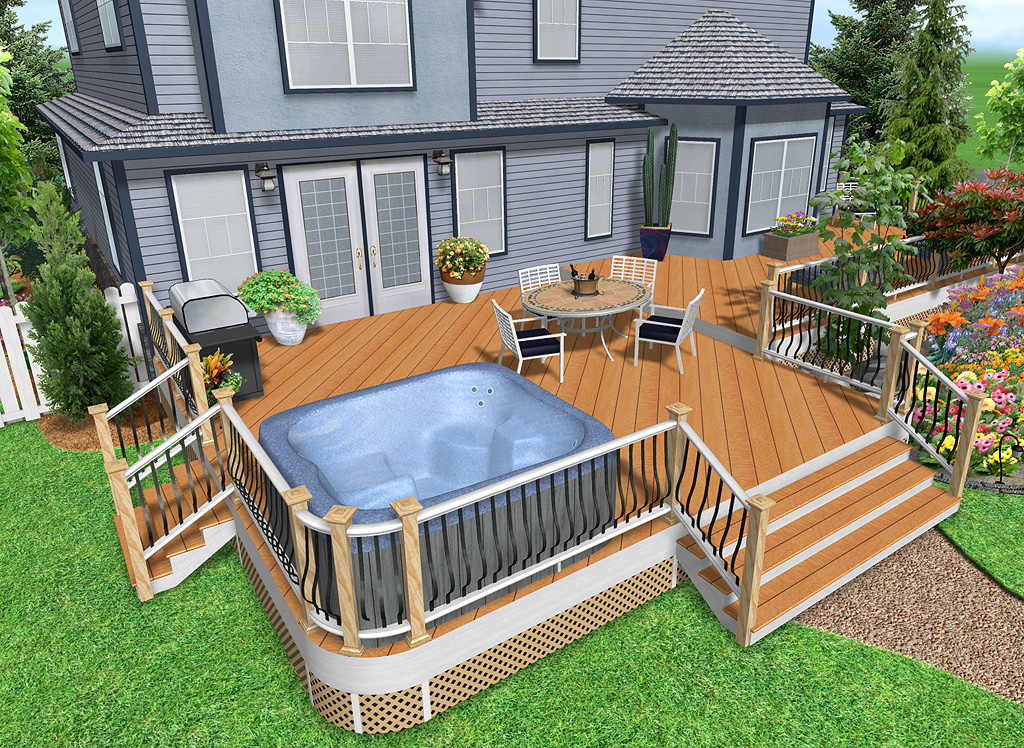
Use the deck wizard to drop in a pre-built deck, or design your own from scratch. Creating a deck is as simple as drawing its outline. The boards, support posts, and railing are added automatically.
Multi-story decks, curved decking and railing, and decks with holes for hot tubs are all supported. Decking materials include painted, stained, and natural wood varieties.
Adjustable deck components include surface, framing, railing posts, top railing, bottom railing, balusters, fascia, deck stairs, and skirting. More than 140 different wood materials are available. Specialty decks are also supported; make your deck stand out by adding glass panels, bronze post caps, steel balusters, and more.
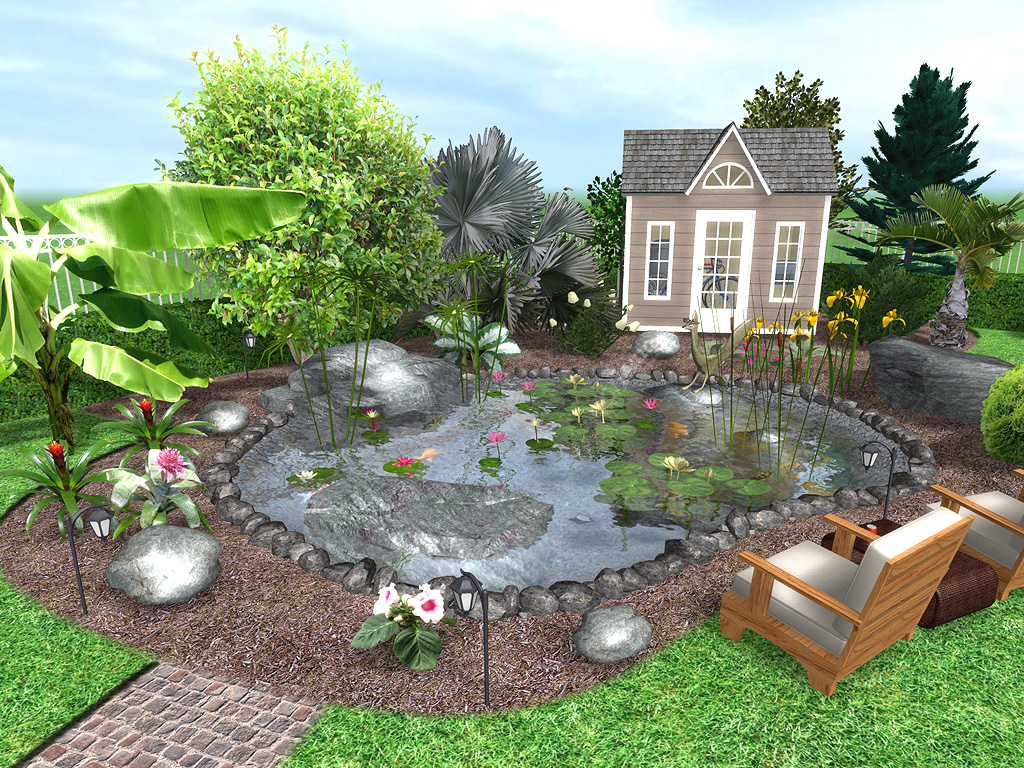
Ponds, Waterfalls, Fountains, Streams
Design ponds by drawing their outline, which can be any shape or size. Choose the liner material, water depth, type of rocks surrounding the border, and more.
Add waterfalls with just a few mouse clicks. Water will flow realistically from the waterfall and into the pond, creating ripples where it lands. Use rockery to create custom spillways. Create cascading waterfalls, with the water flowing from one into the other. Pondless waterfalls can also be easily designed.
Choose between a wide array of fountain types: bell, cascade, tulip, pillar, and ornamental. Fountains can be placed stand-alone, in ponds, or on top of other fountains. You can even design your own fountains and other objects using the wizard.
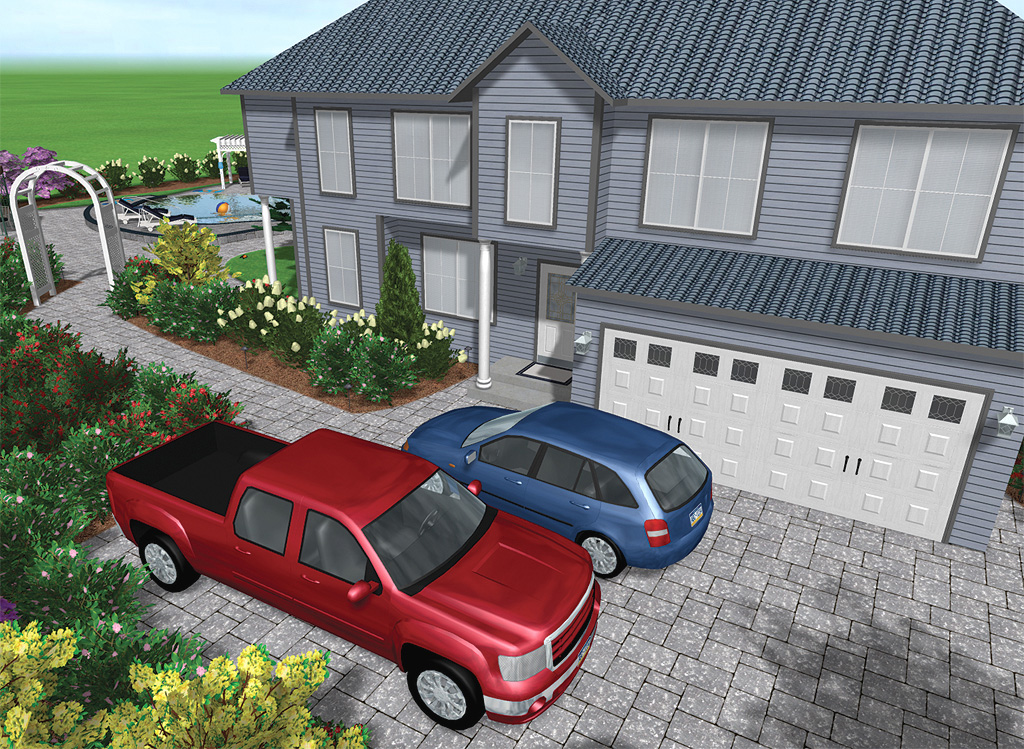
Professional Presentation Tools
Homeowners: Show contractors exactly what you want with accurate dimensions, scale, and placement, all relative to your existing house and landscaping.
Professional landscape designers: Create a movie and show your clients a virtual walkthrough of their property using your proposed landscape design changes. Then, bring your laptop PC and use the landscaping software to make changes right at the jobsite.
Using the Print to Scale feature, you can print precise to-scale drawings of your landscape designs. Realtime Landscaping Pro automatically prints multiple pages, each with crop marks to show you where they join together. Laser and ink-jet printers are supported, and output can be color or black & white.
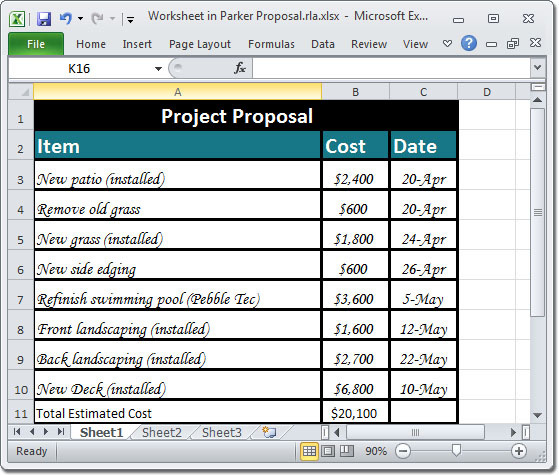
Create Project Estimates and Material Lists
Using the Project Material List feature, you can create a bill of materials, set item descriptions and prices, and export the result to Microsoft Excel or other spreadsheet program.
Realtime Landscaping Pro automatically updates the Project Material List whenever an object is added or removed from your landscape, meaning you will spend less time calculating your work and more time focusing on your design. Once your design is complete you may print the project material list or export it to Excel for further adjustment.
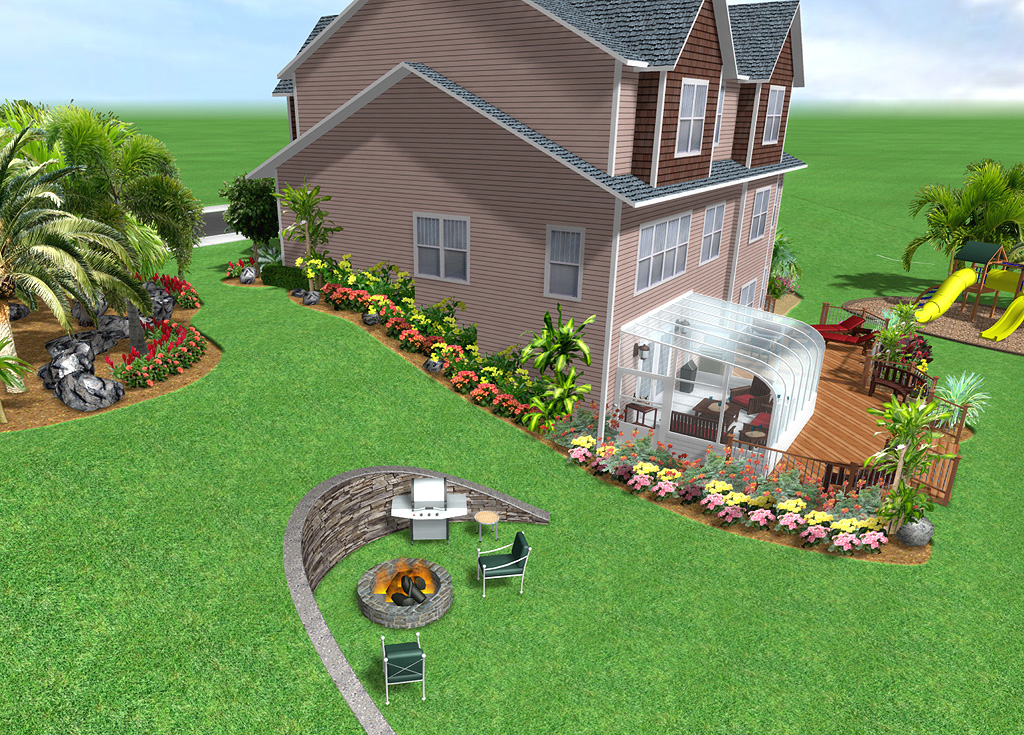
Design With Slopes & Hills
Create slopes, hills, trenches, raised flower beds, and more. Adjust the height of the terrain at any point using exact dimensions. Add straight or curved retaining walls, building pads, and other features. The software works in real-time, so you get instant feedback on your changes.
Five different terrain tools are available, allowing you to select the right tool for your landscape. Adjust the topography at any point in your landscaping process, be it before, during, or after your design is completed.
Need even more powerful terrain sculpting tools? Realtime Landscaping Architect includes support for contour lines and a wizard for importing elevation lines from other CAD software.
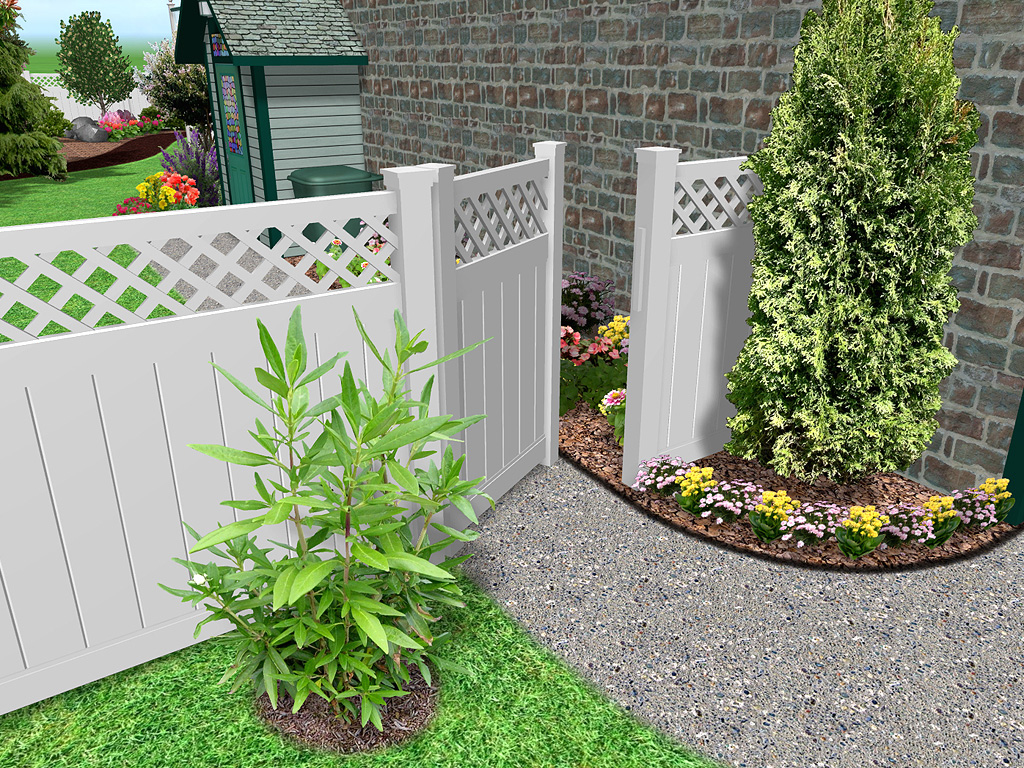
Design Privacy and Decorative Fencing
Whether you want a white picket fence for the garden, or a large fence surrounding your entire property, adding fencing is as easy as drawing a line.
Fences automatically follow the contour of the terrain. You can indicate which side the framing is on, change the board material, and select between sloped or stepped fencing styles.
Available fence categories include wooden, vinyl, chain link, and aluminum fencing by Jerith. Fencing styles include post and rail, privacy, picket, ranch, ornamental, and many more.
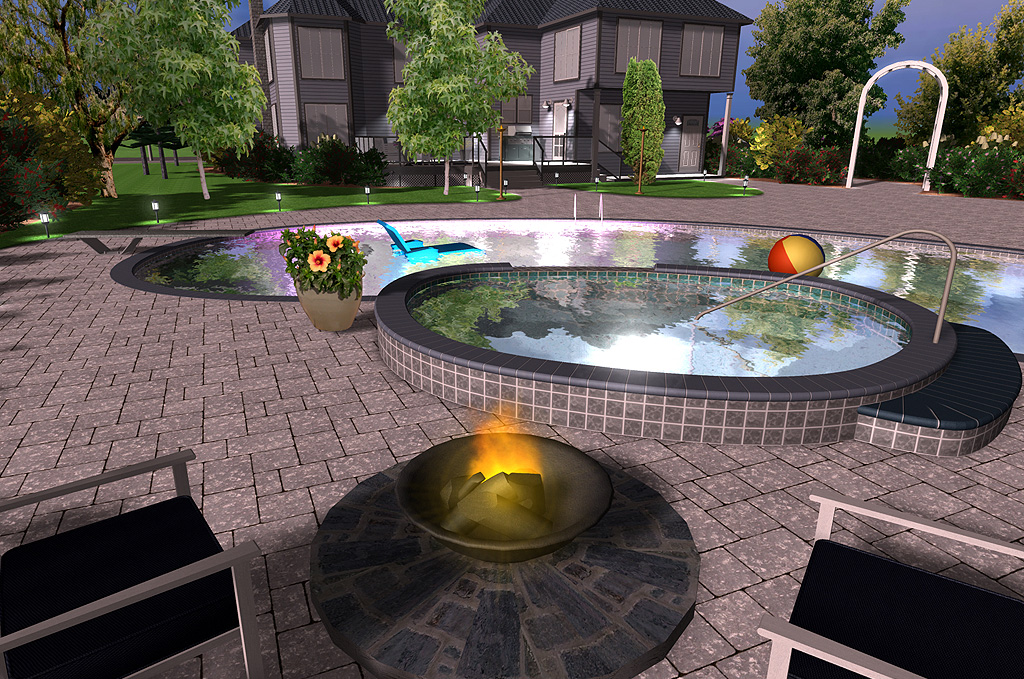
Landscape Lighting Design
Add landscape lights to your design and watch them come on at night. You control the size, orientation, color, and brightness of each light. Landscape lighting styles include path, porch, pond, and wide and narrow beam spotlights.
Both Kichler and Philips Hadco have included lights in Realtime Landscaping Pro to provide a realistic interactive product selection process. If one light does not look perfect in your landscape design then swap it out in just a few clicks of the mouse.
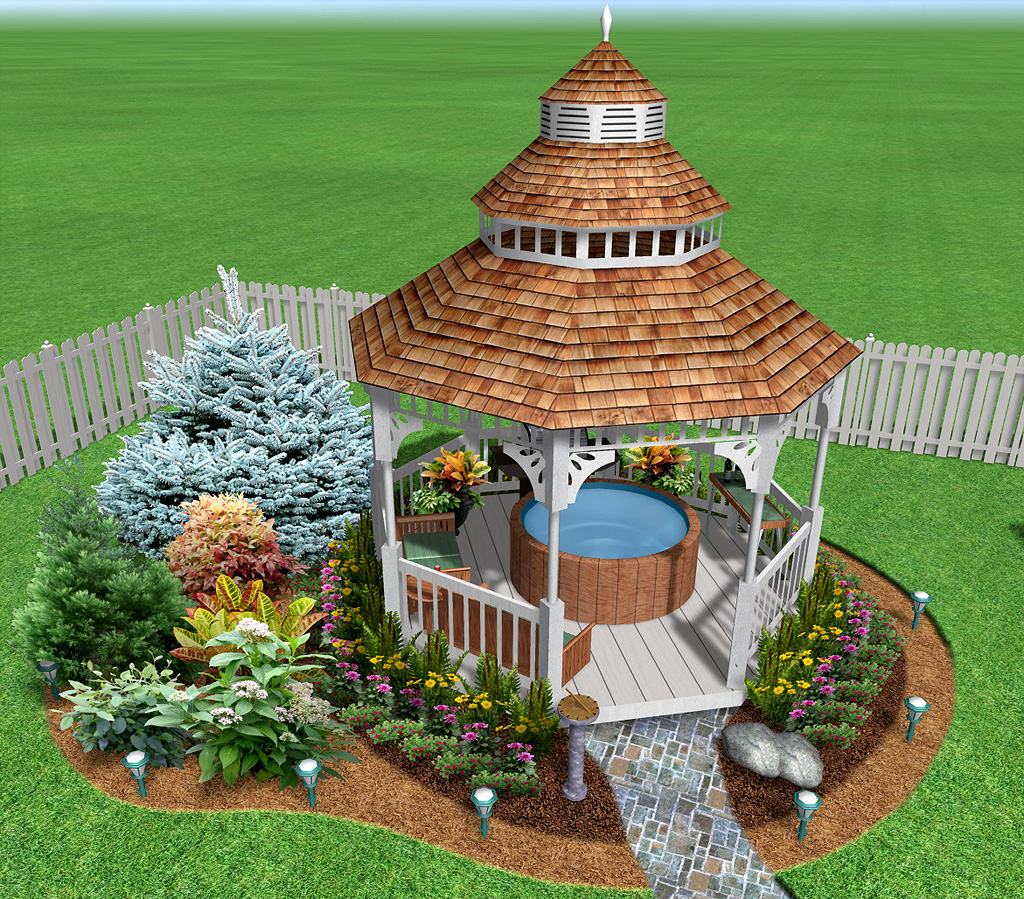
Create Custom Models
Create custom furniture, arbors and trellises, planters, and other objects using the integrated modeling tools. Easy to follow tutorials help you get started.
Once your object is assembled to your liking, use a quick dialog to save it as a completed object for use in current or future landscape designs.
You can also import models created using SketchUp. Choose from millions of free models available in Google’s 3D Warehouse.
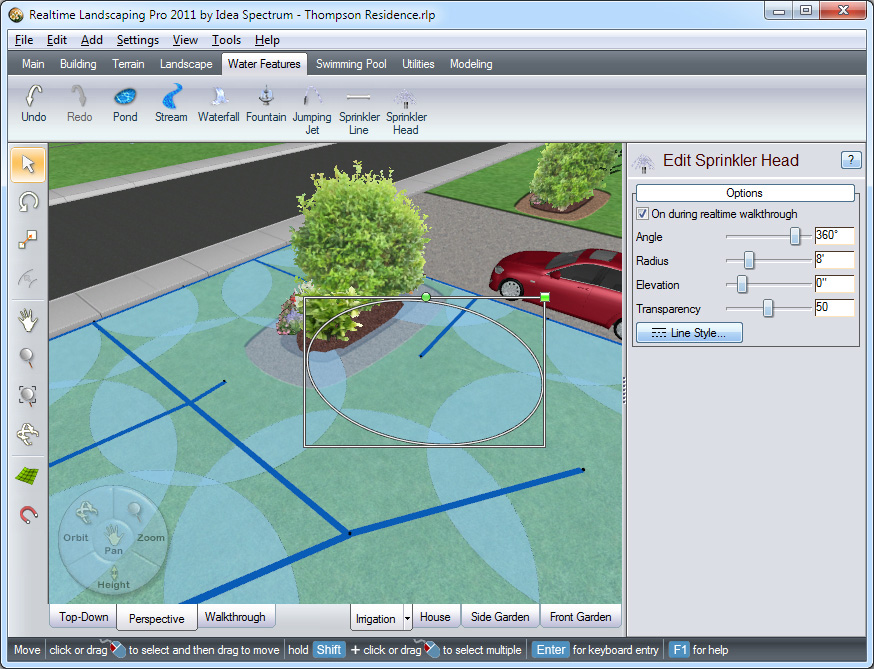
Design Sprinkler Systems
Create sprinkler systems using Realtime Landscaping Pro’s powerful tools. Use the Sprinkler Head tool to add fully adjustable water coverage. Use the Sprinkler Line tool to lay out the irrigation pipes in any color and style needed. View your sprinkler system in realistic 3D by walking through your landscape design.
Already own Pro? Upgrade Now
Already own Pro? Upgrade Now
Download Immediately: After making a purchase, you will receive a personal download link.

"Realtime Landscaping Pro convinced me to advance from drawing plans the old way to letting landscape design software do it for me." - About.com
Download Immediately: After making a purchase, you will receive a personal download link.

30 Day Money Back Guarantee
If you are not 100% satisfied with Realtime Landscaping Pro, simply return it within 30 days for a full refund. More